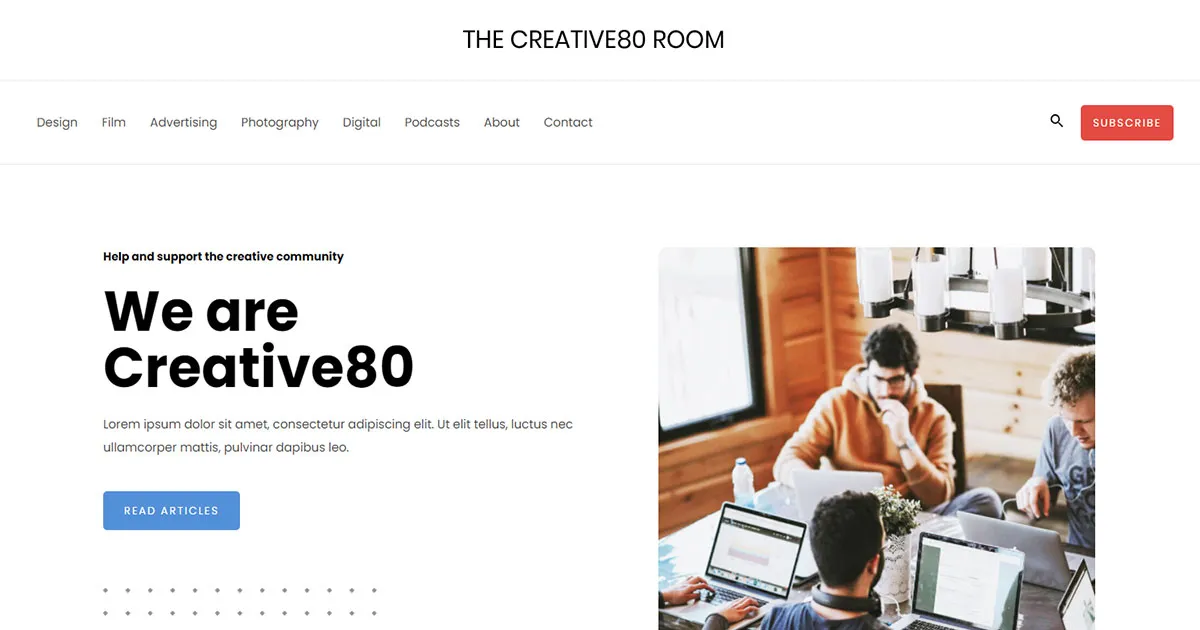
The Creative Blog template keeps things simple and light to let your content shine. The design uses subtle colors, lots of white space and a few well-chosen images to showcase yourself or your work.
The design isn’t your usual blog layout, which makes it immediately stand out. The creative way it is designed helps you showcase your work without tying yourself to convention.
Key features of the Creative Blog template
- Light, friendly design with unconventional layout
- Still delivers space for blog posts and content
- Calm colors and fonts help you relax while on the page
- Includes strong colors for buttons and calls to action
- Predesigned pages for blog categories
- Fully compatible with drag and drop page builders
How to Use This Template
This template is free and available to anyone with the Astra theme installed. Here's how to get it on your site:
- Install the free Astra theme from the WordPress theme directory — go to Appearance → Themes → Add New and search for "Astra."
- Install the Starter Templates plugin — go to Plugins → Add New and search for "Starter Templates."
- Once activated, go to Appearance → Starter Templates and click Build with Templates.
- Browse the library or use the search bar to find this template, then click on it.
- Select your preferred page builder (Block Editor or Elementor), then follow the onscreen steps to set your logo, colors, and typography.
- Choose any additional features or plugins you'd like imported with the site.
- Click Submit & Build My Website and wait for the import to complete — don't close the window until it's done.
Once imported, replace the placeholder content with your own text, images, and logo and you're good to go.
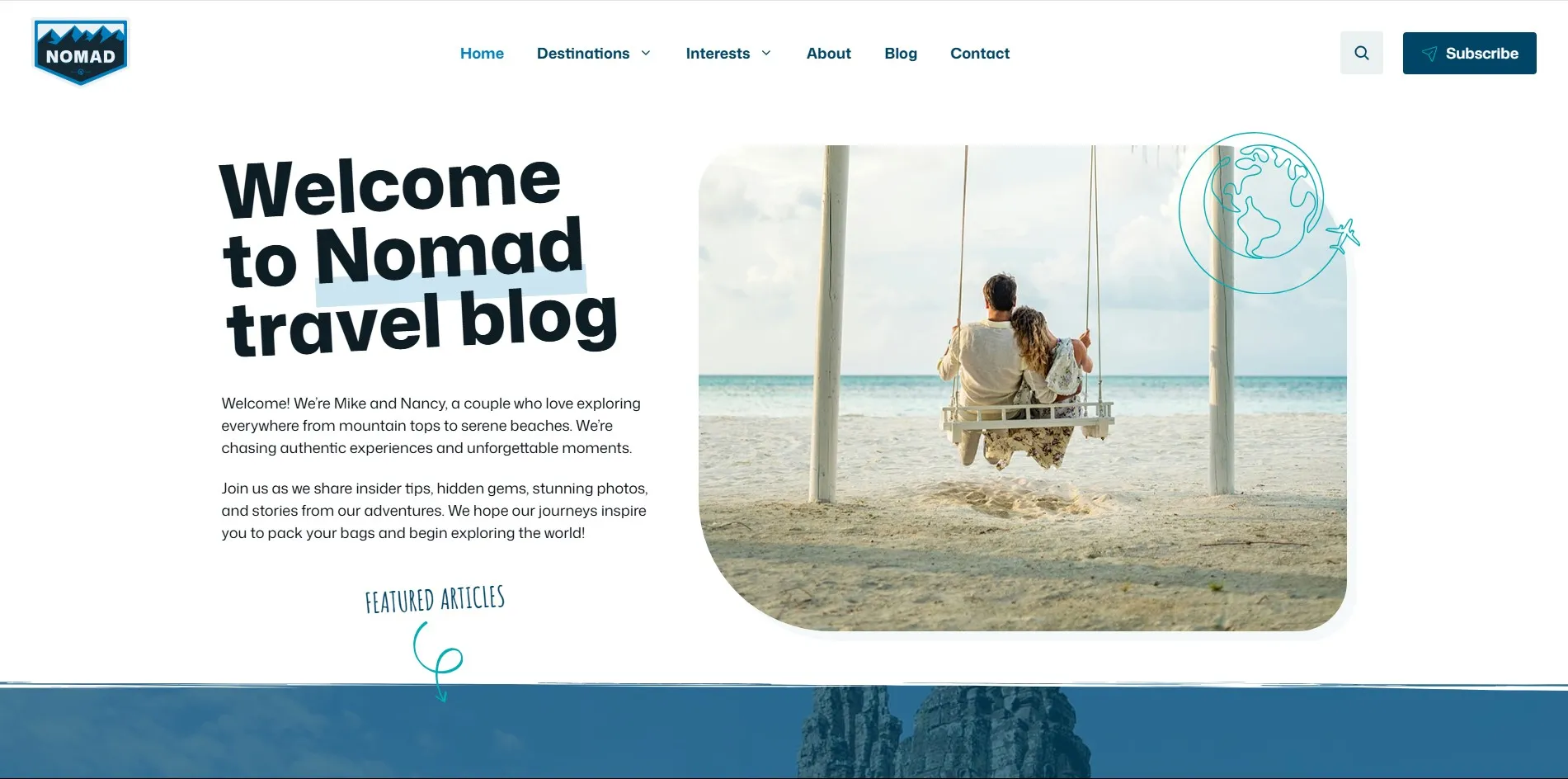
 Generatepress
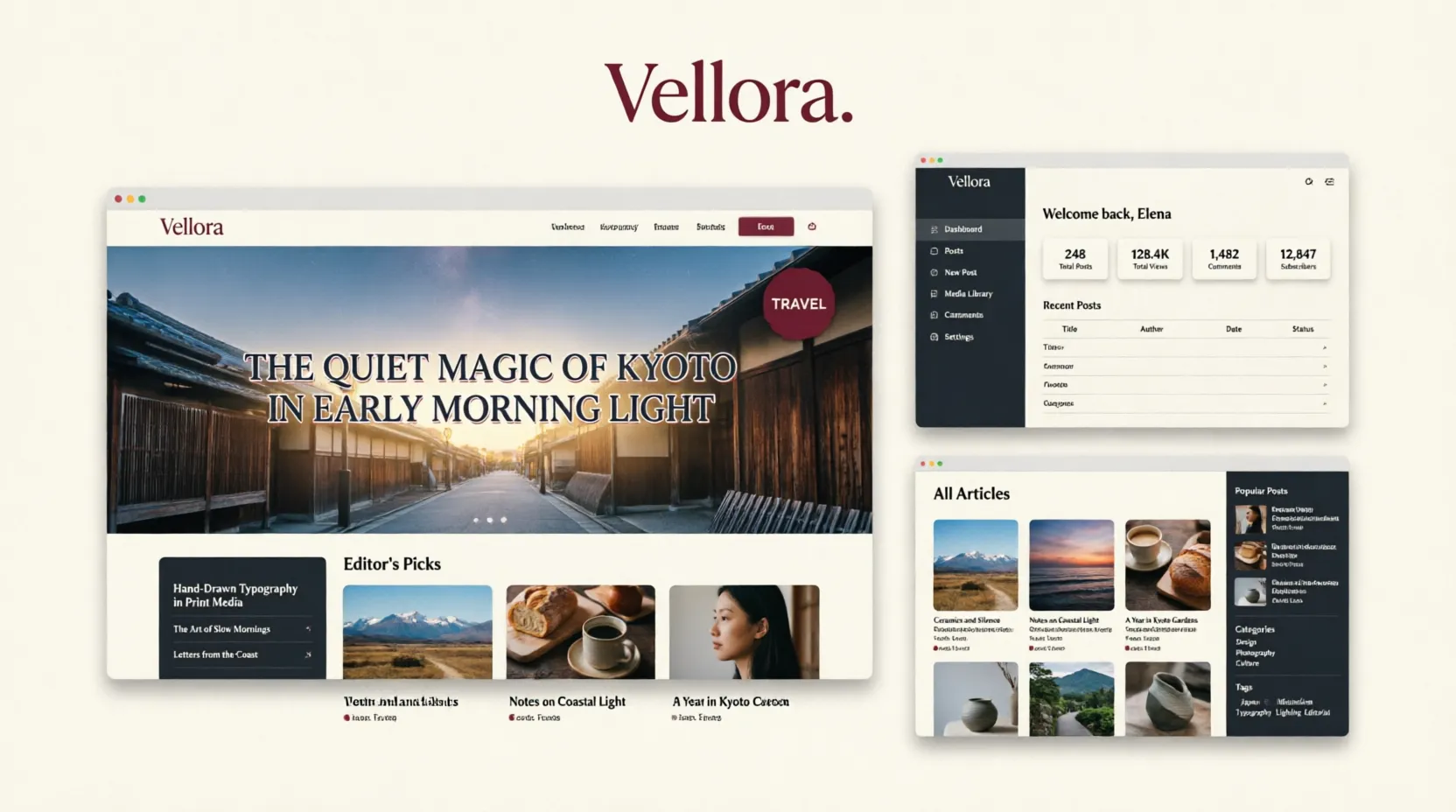
 LurkaWindo